Skip to content
Vidsly

Slideshow video maker

Turn images and audio into a video.

Upload your pictures — or illustrations from our Image Studio — add narration or music, and get a slideshow MP4 for YouTube or TikTok. No timeline, no editing software.

9:1616:9MP4
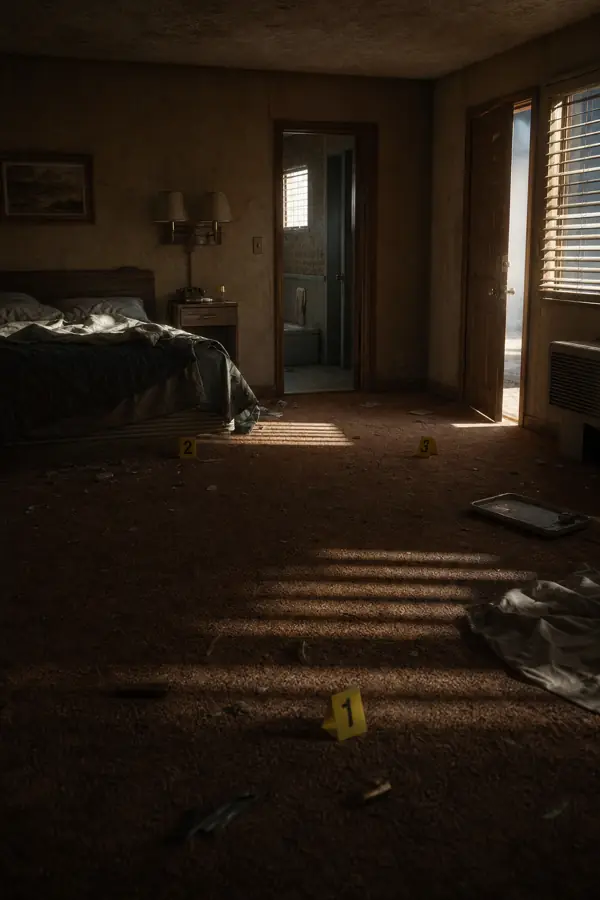
  1. Still 1: light through blinds across a motel room with evidence markers
  2. Still 2: printers at work beside a newspaper press
  3. Still 3: a long, dim server-room aisle
MP4 · 9:16
stills + audio → one MP4
01How it works

Pictures and a track in. An MP4 out.

  1. Upload your images

    Add up to 30 pictures in the order you want them to appear — your own photos, artwork, or AI illustrations.

  2. Add an audio track

    Upload narration, music, or both. The slideshow automatically matches the length of your audio.

  3. Pick a format

    Landscape (16:9) for YouTube, or Portrait (9:16) for TikTok, Shorts, and Reels.

  4. MP4

    Download your MP4

    We stitch it into a smooth slideshow video and give you a ready-to-post MP4. No editing software needed.

02Who it’s for

Made for people who bring their own pictures.

  • Faceless creators

    Pair your AI scenes with narration to publish a finished video — no animator needed.

  • TikTok & Shorts

    Drop in images and a voiceover and export a vertical 9:16 video ready to post.

  • Photo storytellers

    Turn your own photographs into a narrated slideshow to share or play.

03Questions

Frequently asked questions

How do I make a video from images and audio?
Go to Vidsly/create-manual-video, upload your images (in the order you want them), add an audio track — narration, music, or both — pick a format, and click generate. We stitch the pictures into a smooth slideshow timed to your audio and give you an MP4 to download. No editing software needed.
What image and audio files can I upload?
Upload standard image files (JPG, PNG) — up to 30 per video — and an audio file (MP3). You can use your own photos, artwork, or the illustrations you created in our AI Image Studio. The slideshow length automatically matches your audio.
Can I make a vertical video for TikTok or YouTube Shorts?
Yes. Choose Portrait (9:16) for TikTok, YouTube Shorts, and Instagram Reels, or Landscape (16:9) for YouTube. The MP4 exports in full HD, ready to upload anywhere.
How much does it cost?
A manual slideshow video costs just 200 credits (400 if you use 6 or more images) — you bring the images, so it's cheap. Every plan includes monthly credits, from $4/month, and unused credits bank for 90 days.
Do I need video editing skills or software?
No. There's nothing to install and no timeline to edit. Upload your images and audio, and the slideshow is built for you automatically. It's the fastest way to turn a set of pictures into a finished video.
Can I turn my AI illustrations into a video?
Absolutely — that's a popular workflow. Generate scene art in our Image Studio, then bring them into the Manual Video maker, add narration, and export a finished story video.

Make your slideshow video now

Upload images + audio and download an MP4 in minutes. It runs on the credits every plan includes, and unused credits roll over for up to 90 days.