Documentary channels
The documentary, shot from your script.
Vidsly turns a documentary script — a history, a true story or an explainer — into a narrated 16:9 video: a generated scene for every beat (a photoreal film still by default), the same people held from the first scene to the last, a narrator from 85 voices and an optional music bed.

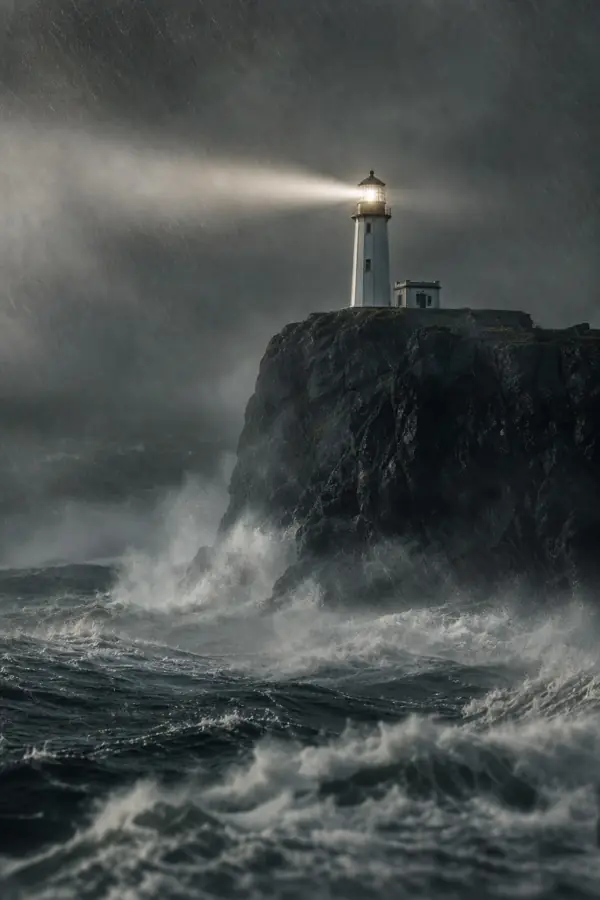
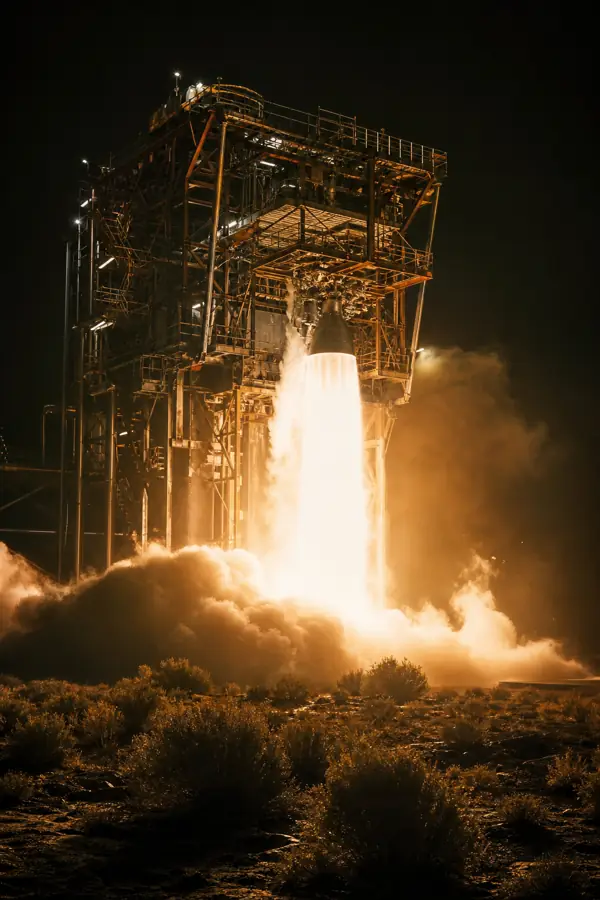
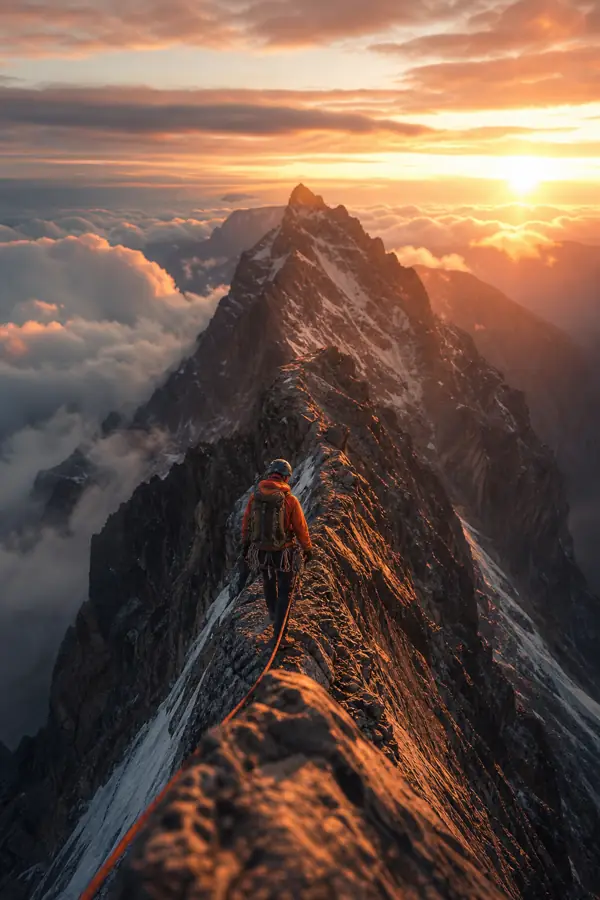
Two 9:16 scenes made in Vidsly. Long-form runs the same pipeline in 16:9.
- 7:00
- longest 16:9 film in practice
- 70 scenes × 6s clips
- 85
- narrator voices
- 16 languages
- 1
- reference per character, used in every scene
- kept for the next episode
- 0
- credits per clip on the unlimited lane
- 20 clips a day on Creator
Three kinds of documentary. One pipeline.
What each one gets from it — and the one thing each should know before the first render.
History
Periods, events and the people in them — a 1920s press room mid-run, a lighthouse in a storm — rendered scene by scene and animated with a planned camera move.
Watch for
There is no archive behind it. Every scene is a generated reconstruction, so a real photograph, a document or a dated map has to come from somewhere else.
True story
True crime, disasters, survival stories, scandals. Reporting on violence and crime is allowed — the moderation pass refuses explicit depiction, not difficult subjects.
Watch for
Scene images stay non-graphic whatever the script describes: no visible injuries, no gore, no weapons pointed at anyone. The narration carries the weight.
Explainer
Science, business, how things work — a narrator walking through an idea, with a scene built for every step instead of a stock clip that roughly matches.
Watch for
Scene images contain no words, numbers or labels, so charts, diagrams and on-screen figures are added in your editor.
Research in. Film out.
You write the script and pick the voice. Casting, shooting, scoring and the final mix happen in one render.
- 01
Script
Paste the narration you have researched, or have the writer draft from a topic in any of 15 languages. Each scene lasts as long as its line takes to say.
- 02
Cast
Before a frame is drawn, every person and recurring place gets one locked description. Saved characters and uploaded references are drawn from the same sheet in every scene.
- 03
Narrator
85 voices across 16 languages. On every Azure voice pitch and pace each run from −50% to +50%, for a slower, graver read.
- 04
Scenes
One generated image per beat — a photoreal film still by default, one of 6 styles — then a camera move planned across the whole film, so the cuts read as one documentary rather than a slideshow.
- 05MP4
Deliver
An optional music bed under the voice, then one 1920×1080 H.264 MP4 — or 1080×1920 for a 9:16 cut-down. We email you when it is ready.
The same pipeline, script-first: how script-to-video works.
The same faces, scene after scene.
A documentary depends on the audience recognising the people in it. Draw each scene from text alone and the lead’s face changes every cut. Here every scene image is drawn from one reference per person — never from the previous frame — so drift has no chance to compound across 70 scenes.
Cast several people in one film and keep them for the next episode. Two limits worth knowing: recognizable copyrighted characters are refused before you start, and photographs of real people are often refused by the image model’s safety check — describe a historical figure in words instead.
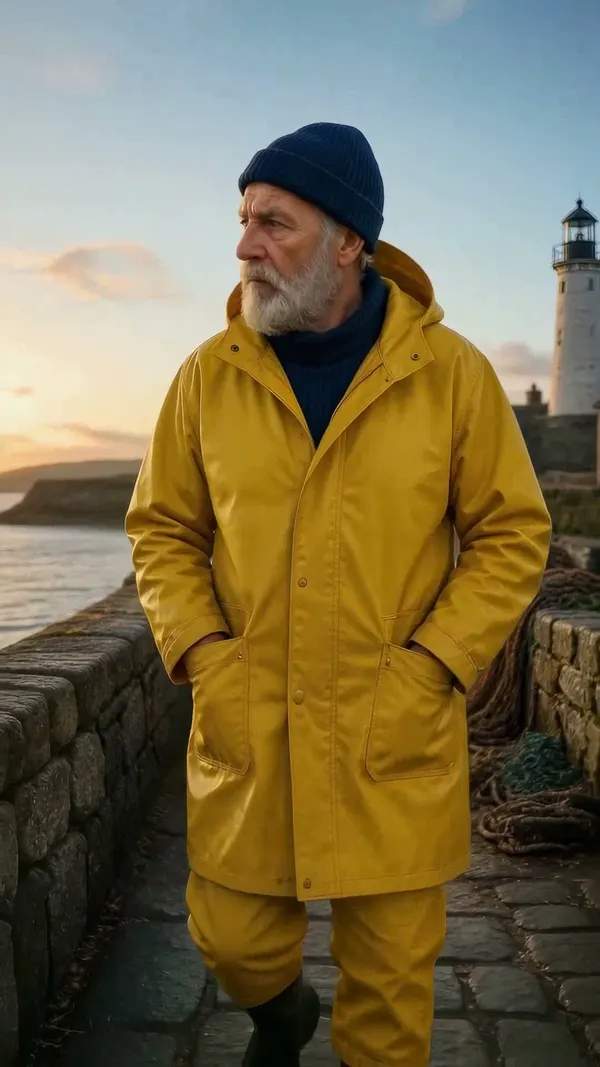
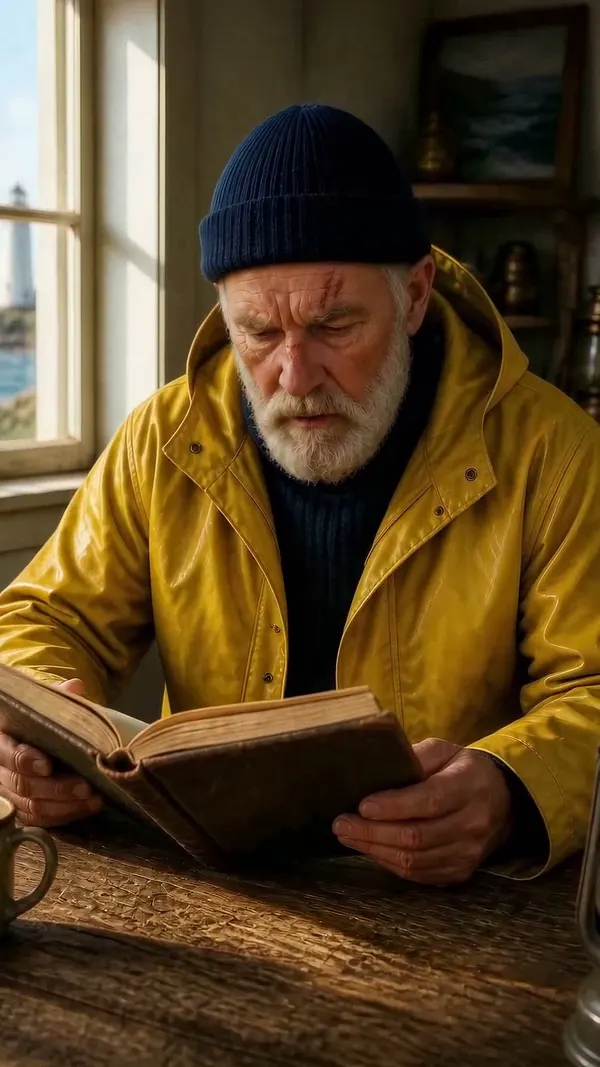
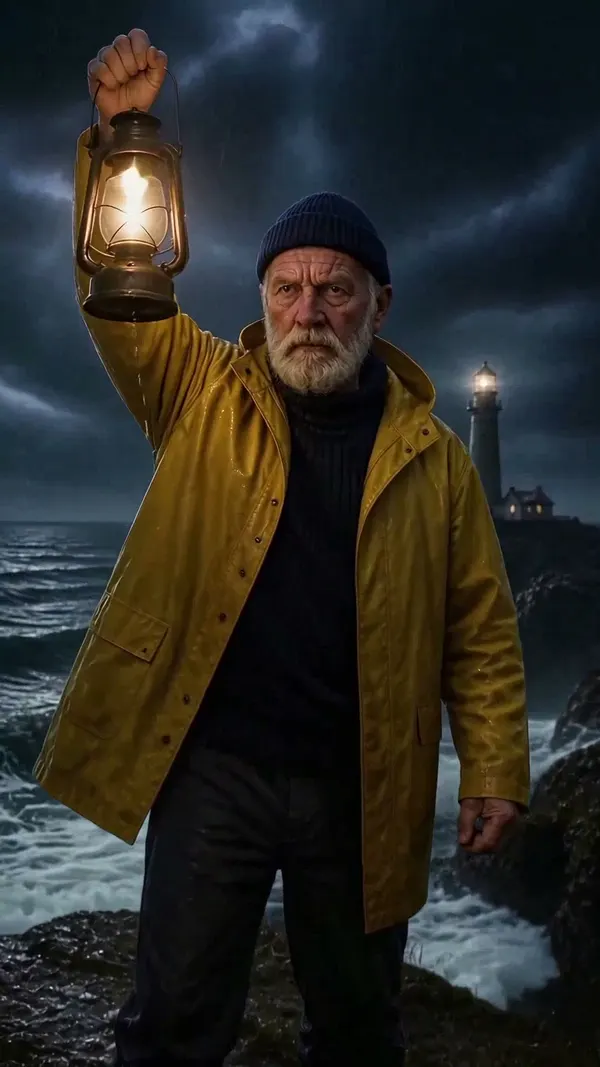
Three scenes from one Vidsly render: one saved character, three places, three kinds of light.
Long-form, with the arithmetic shown.
The 16:9 format allows up to 10 minutes across 70 scenes. Full videos render on the unlimited lane, where each clip is at most 6 seconds, so the real ceiling for one film is about 7 minutes. Each scene is one clip against your daily allowance.
A video needing more clips than the day has left starts now with what fits and finishes automatically after the midnight-UTC reset — over up to 5 days for a very long one. You never re-submit it, and it never costs credits. HD clips spend more of the same allowance: a 720p clip on Unlimited Premiere counts 2× and a 1080p clip on Unlimited Ultra counts 4×.
Creator
- Price
- $29 / mo
- Clips a day
- 20
- New footage a day
- up to 2:00
- A 70-scene film
- about 4 days
Pro
- Price
- $49 / mo
- Clips a day
- 40
- New footage a day
- up to 4:00
- A 70-scene film
- about 2 days
Studio
- Price
- $99 / mo
- Clips a day
- 60
- New footage a day
- up to 6:00
- A 70-scene film
- about 2 days
Before you commit a series to it.
Can AI make a documentary-style YouTube video?
How long can an AI documentary be?
Will the same people look the same in every scene?
Can I use photos of real historical figures?
Is true crime or war history allowed?
Which narrator voices are there?
Does it add captions, dates or maps?
Is there documentary music?
Do I have to disclose that the video is AI-generated?
What does a documentary channel cost to run?
Your research. Every scene shot for it.
0 credits per clip on the unlimited lane — 20 clips a day on Creator from $29/mo, up to about 7 minutes a film.