Skip to content
Vidsly

Consistent characters

AI video with consistent characters.

Create a character once and it keeps the same face, colors and outfit in every scene — the thing most AI video tools get wrong. Narrated and ready for YouTube or TikTok, no editing.

9:1616:9MP4

Videos from a few hundred credits · included in every plan
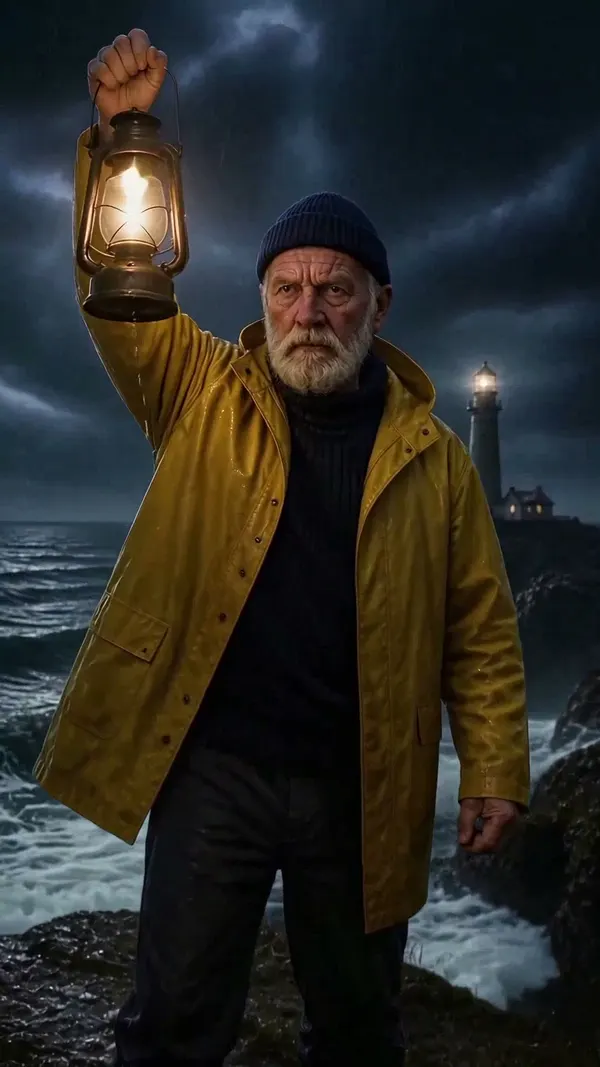
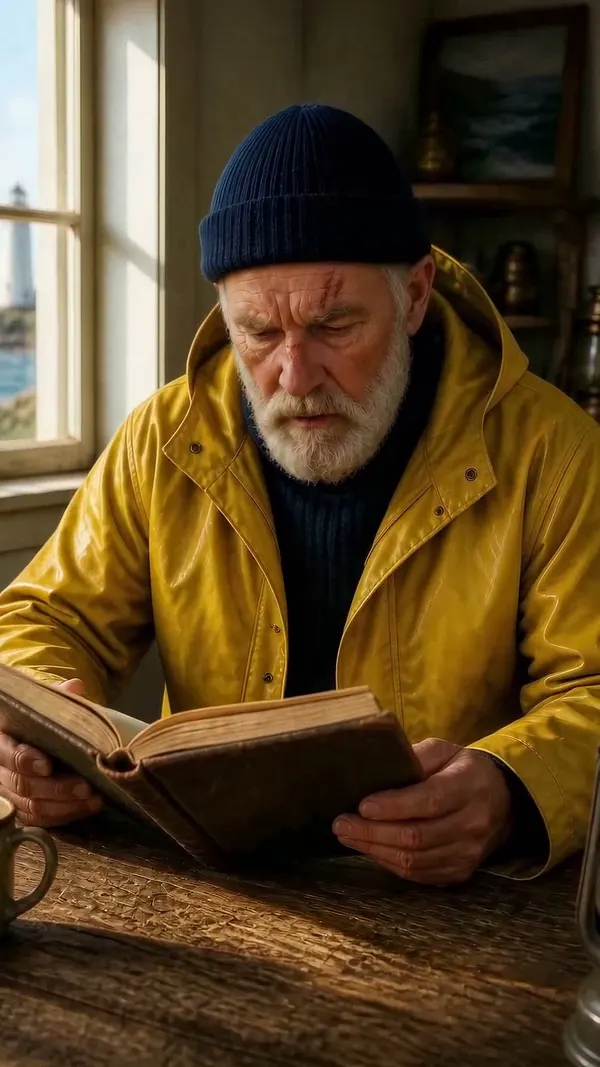
Made in Vidsly from one saved character reference.
Same character, three scenes

One saved reference. The same face in every shot.

Three scenes cut from a single Vidsly render: one saved character, three settings, three kinds of light. The beard, the cap and the yellow slicker hold every time.
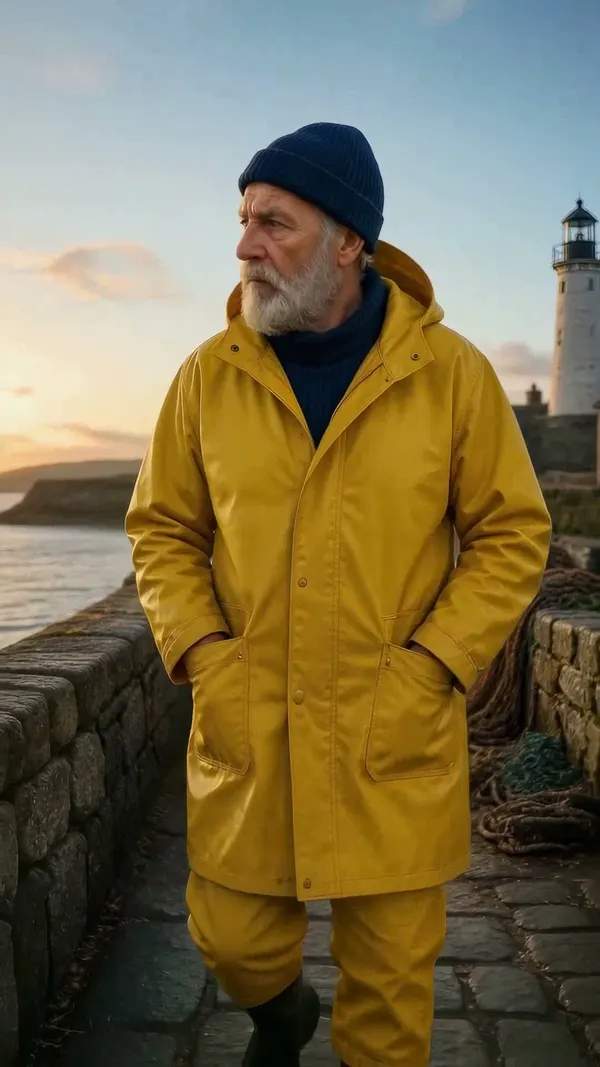
01
Harbour, dawn
02
Records room, noon
03
Cliff, storm
01How it works

Create once. Reuse in every scene.

  1. Create your character

    Describe it (“a grey-haired detective in a long wool coat”) or upload your own art. We make a reusable reference.

  2. Write your story

    Paste your own story, or let the AI writer create one from a one-line topic.

  3. Generate the video

    Every scene is built from your character reference, so it looks the same throughout — with narration and smooth motion.

  4. MP4

    Download & share

    Export for YouTube (16:9) or TikTok / Shorts (9:16). Full-HD MP4, no editing.

02Who it’s for

Built for recurring characters.

  • Faceless YouTube creators

    Build a recurring character your audience recognizes across every episode.

  • TikTok & Shorts

    Post a consistent-character series in vertical 9:16, no animators needed.

  • Authors & publishers

    Bring a book character to life the same way on every page and scene.

03Questions

Frequently asked questions

How do I keep the same character across an AI video?
On Vidsly you create a Character once — describe it (e.g. 'a grey-haired detective in a long wool coat') or upload your own art — and we generate a reference image. Every scene of your video is then generated from that reference, so the character keeps the same face, colors, and outfit throughout. Pick the character, write or paste your story, and generate.
Why do most AI video tools change the character between scenes?
Most tools generate each scene from text alone, so the character is re-invented every time — different face, hair color, proportions. Vidsly conditions every scene on a saved reference image of your character (and can chain motion between clips), which is what keeps the character consistent across the whole video.
Can I use my own character art?
Yes. You can upload your own original character image as the reference, or describe a character and let the AI draw it. Either way, that character is reused in every scene. (Please use original characters — copyrighted characters are blocked by the safety system.)
Does the character stay consistent in animated videos too?
Yes. Both the illustrated slideshow and the real AI animated video use the same character reference for every scene. Each animated shot is also drawn to match the one before it, so the character holds across the cuts.
What formats can I export?
Export landscape (16:9) for YouTube or portrait (9:16) for TikTok, YouTube Shorts, and Instagram Reels — delivered as a 1080p MP4, ready to upload (on the unlimited lane the source render is upscaled to that 1080p canvas). No editing software needed.
How much does it cost?
It runs on credits — an illustrated slideshow is 400 credits per scene; animated scenes cost more depending on the engine, and the Studio shows the exact price before you generate. Every plan includes monthly credits, from 5,000 on Basic ($4/month) up to 200,000 on Studio.

Create your character now

Free to sign up. Credits never wasted: you see the exact price before anything is charged.