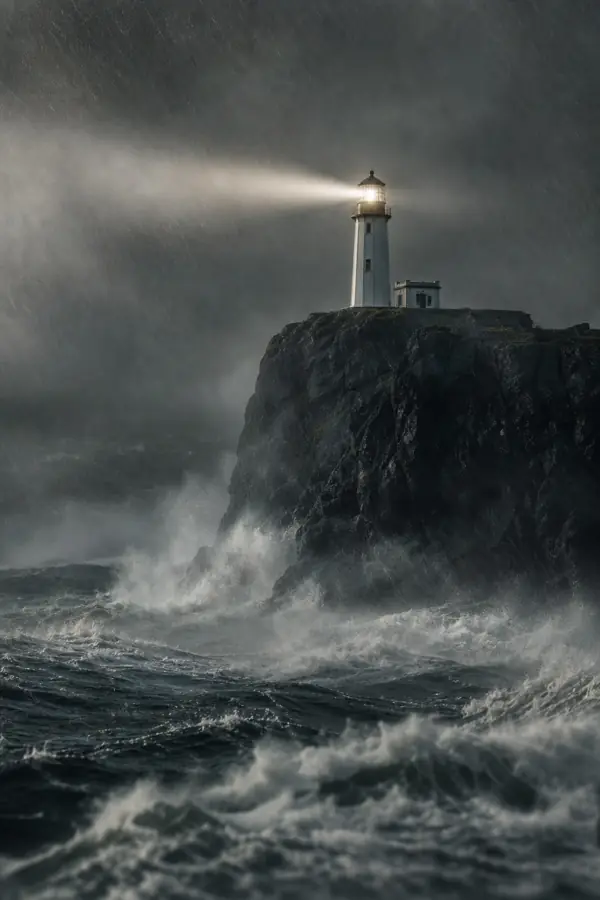
Why scary stories work
Horror narration channels get long viewing sessions: people binge stories at night, listen while falling asleep, or follow a series part by part. The format is pure narration and atmosphere, which is exactly what a faceless channel does well.
Step 1: Use stories you have the rights to
Write your own, or get permission. Stories posted on forums and story sites belong to their authors, and reading them out without permission is the fastest way to a copyright claim. Many authors are happy to licence a story if you ask and credit them. Formats that work well for original writing:
- "Rules" stories: a list of instructions for a night shift, a house, a job.
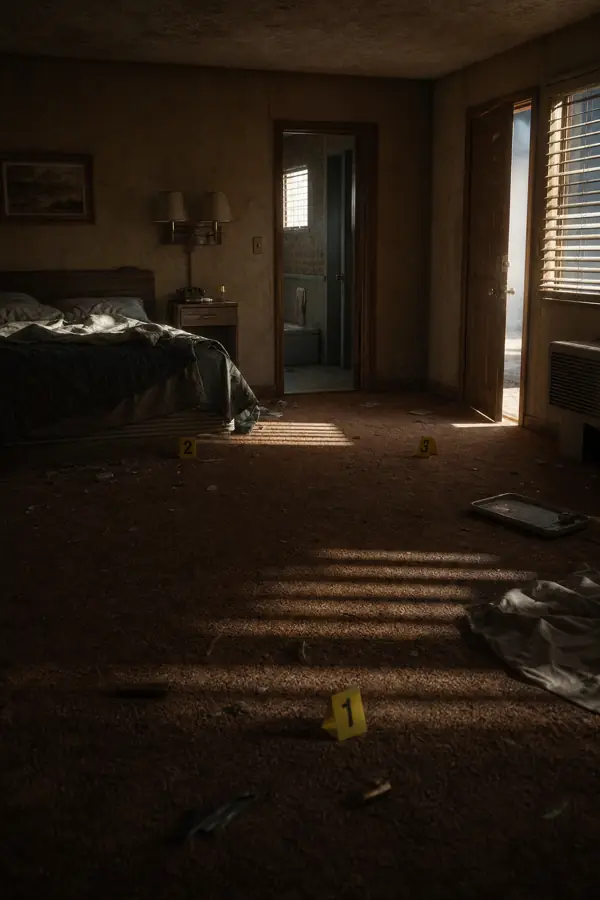
- First-person encounters: "I worked nights at a motel off Route 9…".
- Series: one location or one narrator across many parts.
Step 2: Structure for dread
- Hook in the first 15 seconds: the strangest detail, stated plainly.
- Normal life: a place and a routine the viewer believes in.
- Small wrongness: one detail that doesn't fit.
- Escalation, then a false calm.
- The final turn, and an ending that lingers.
Step 3: A narrator who takes their time
Horror needs a slow, low delivery. Choose a deeper voice and slow the pace a little; Vidsly lets you adjust narration pace up or down. Guy suits storytelling pacing and is included on every plan, and Brian HD (Pro and up) is deeper still. Keep one narrator for the whole channel: in horror, the voice is the host.
Step 4: Atmosphere, not gore
The scariest scenes are the quiet ones: an empty corridor, a light left on, a figure at the edge of the frame. Keep one recurring location or character and one dark palette so every video looks like part of the same world. Vidsly's content policy refuses graphic gore, and dread works better anyway.
Step 5: Thumbnails and titles
Two or three words of text and one unsettling image beat a busy collage. For series, put the part number on the thumbnail so returning viewers know where they are.
Step 6: Long stories, short teasers
Publish the full story as a long-form 16:9 video (up to 10 minutes and 70 scenes; longer stories split into parts), and post a 9:16 Short teaser with the hook. On the unlimited lane each clip costs zero credits within the daily allowance (20 on Creator, 40 on Pro, 60 on Studio), so a weekly part plus daily teasers is a flat monthly cost. Set horror videos as not made for kids when you upload.
Write tonight's story
Write one original story with the five-part structure above, then open the Studio and give it a voice.