Why history works for faceless channels
History has everything a faceless channel needs: endless material, stories that don't go out of date, a general audience, and a format built on narration rather than a presenter. A good history video can still find viewers years after it was published.
Step 1: Pick a lane, not "history"
"History" is a library, not a channel. Pick an angle viewers can recognize from one thumbnail:
- One era or region: the Roman Empire, the Ottoman world, medieval Japan.
- One kind of story: forgotten battles, collapsed empires, great escapes, disasters.
- One human angle: daily life in another century, history's strangest jobs, what people ate.
Then plan it as series. Viewers who finish part one of a story come back for part two.
Step 2: Research from real sources
History audiences notice mistakes, and AI writers invent convincing dates and quotes. Use reputable books, museum and university sources, and primary documents where you can. Check every name, date, number and quote, and list your main sources in the description. It builds trust, and it's the kind of original work that keeps a channel clear of YouTube's inauthentic content problem.
Step 3: Write narration that pulls people in
- Open on a moment, not a date: a city waking to smoke on the horizon, not "In 1453…".
- Follow one person or one question through the whole video.
- Explain why it mattered, in a sentence, before the end.
Draft from an idea with the built-in writer in Create if it helps, then make it yours.
Step 4: Choose a visual style and keep it
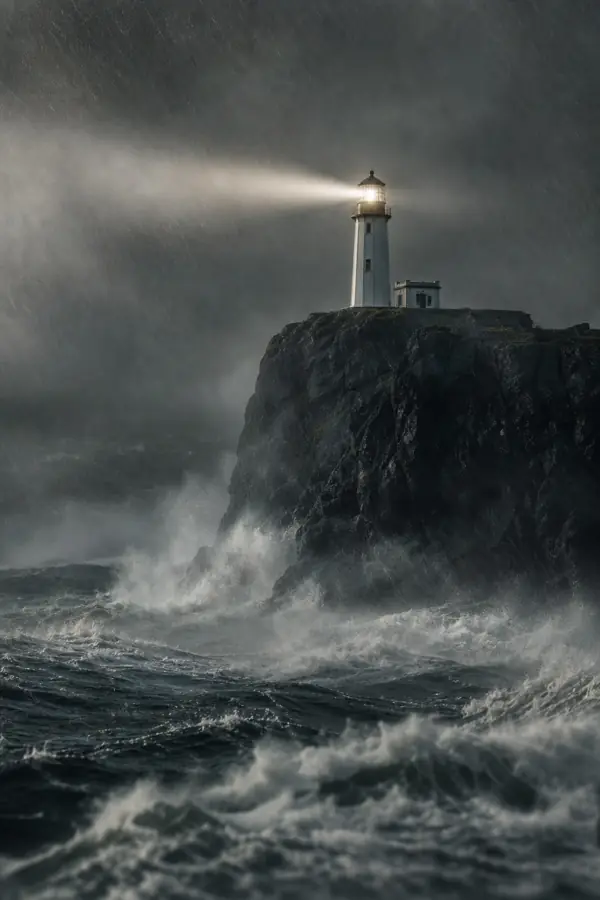
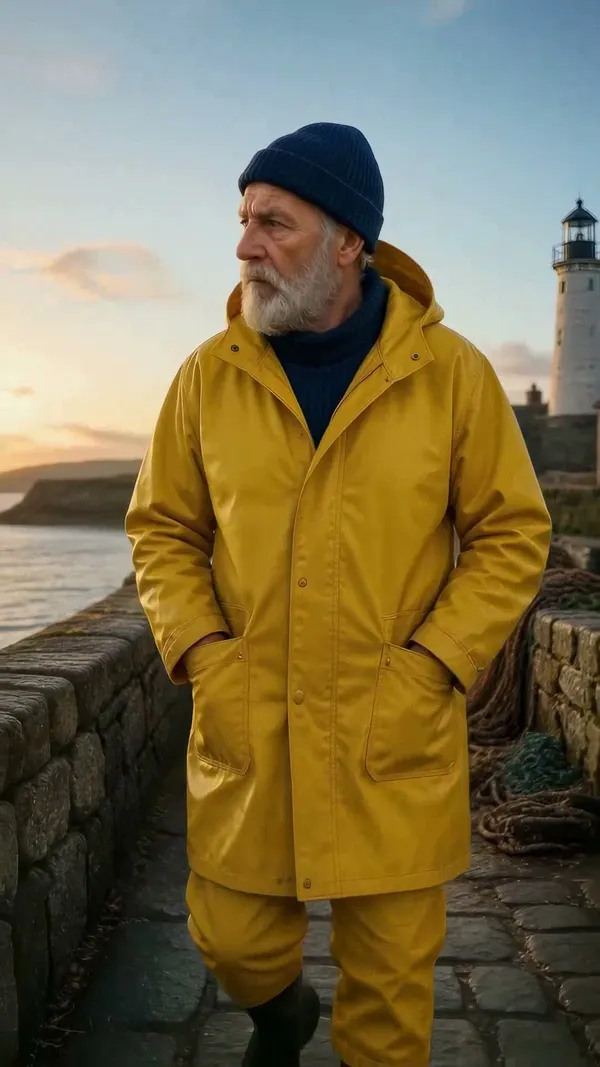
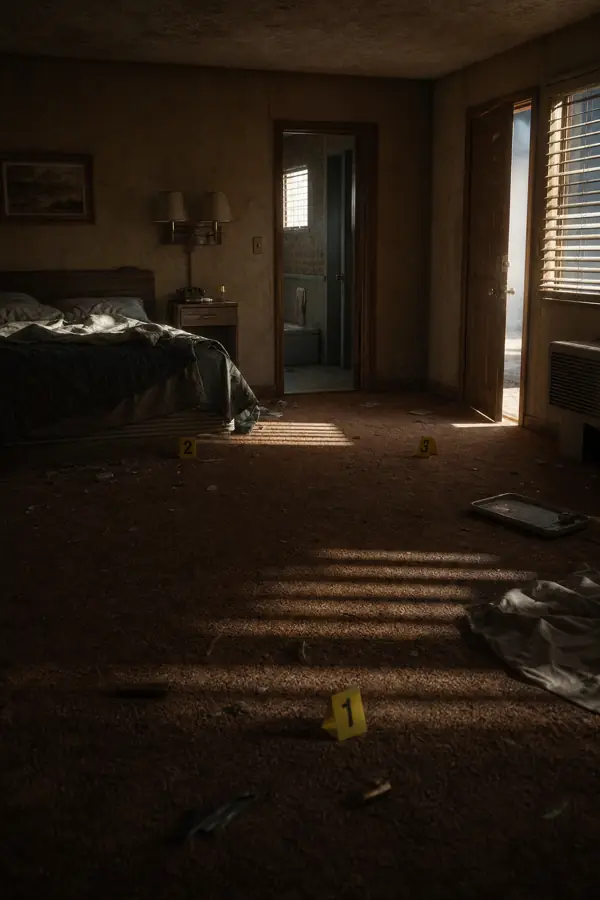
AI scenes are illustrations, not archive footage, so treat them that way. A consistent painterly, engraving or cinematic style makes the channel recognizable and makes it clear the visuals are a retelling. If you choose photoreal reconstructions of real events, use YouTube's altered or synthetic content label. For a recurring guide character, set it once with character creation and every scene reuses it.
Wars and massacres are part of history, and you can tell those stories. Vidsly's content policy allows reporting on a difficult subject but not depicting graphic gore, which also keeps thumbnails and videos friendlier to advertisers.
Step 5: Pick a narrator
History rewards a measured, unhurried voice. Brian HD (Pro and up) is deep and deliberate; Guy and Davis are included on every plan. Listen to the samples on this page and keep one voice for the whole channel.
Step 6: Publish long-form, promote with Shorts
Most history channels earn from 8-to-10-minute deep dives (16:9, up to 70 scenes) and find new viewers with one-fact Shorts (9:16) taken from the same research. On the unlimited lane both render at zero credits within your daily allowance: 20 clips on Creator, 40 on Pro and 60 on Studio. For a documentary look, see the AI documentary video maker.
Start the first episode
Choose your lane, research one story properly, and open the Studio in 16:9.